Get free Indicators and EAs and install them on MT5
Download the files, install them in MetaTrader 5 and enable them on the chart.
- 01
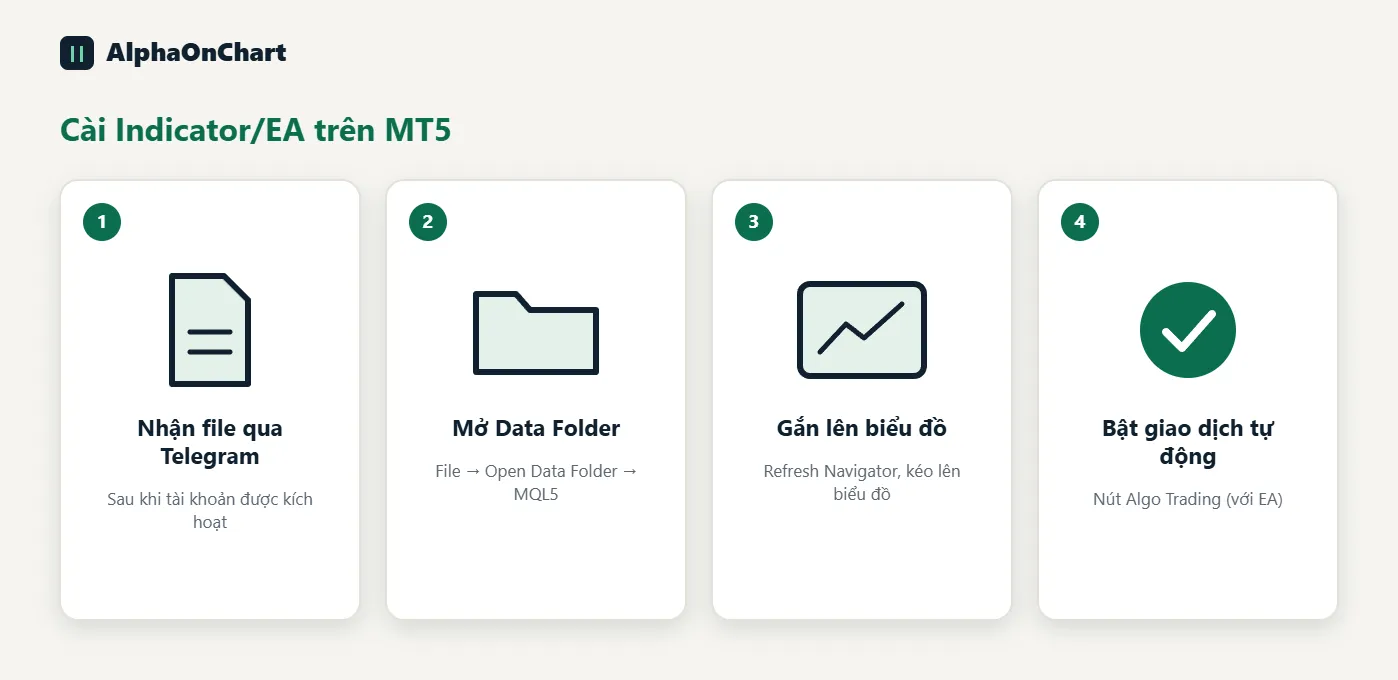
Receive the files via Telegram
Once your account is activated, you receive the Indicator/EA files via Telegram.
- 02
Open the MT5 data folder
In MT5, choose File → Open Data Folder, go to MQL5 → Indicators (or Experts for EAs) and copy the file in.
- 03
Refresh and attach to the chart
Restart MT5 or press Refresh in the Navigator, then drag the Indicator/EA onto the chart.
- 04
Allow automated trading (for EAs)
Turn on the Algo Trading button on the toolbar and tick “Allow Algo Trading” in the EA settings.